




Zumospin App
Casino play does not have to stay tied to one browser tab or one type of device. The Zumospin app uses a PWA format that lets you keep the casino close at hand on both mobile and desktop. It works as part of the same platform, but gives you a more direct way to return whenever you want to play.


Zumospin App Features and Benefits
Our app keeps casino access quick and convenient across devices. The main benefits include:
- One-tap launch: open the casino directly from a home screen or desktop icon.
- No app store installation: you do not need to download software from Google Play or the App Store.
- Cross-device access: use Zumospin on both mobile and desktop devices.
- Lower storage requirements: there is no large standalone casino application to keep on your device.
- One account environment: the shortcut leads to your regular Zumospin account and casino interface.
The Zumospin PWA gives you access to the full catalog of more than 6,000 casino games available on our platform. You can also contact our support team 24/7 directly while using Zumo Spin on your mobile or desktop device.
How to Add Zumospin to Your Phone
You can place a Zumo Spin icon on your smartphone or tablet in a few steps. The process differs slightly between Apple and Android devices.
Zumo Spin on iPhone and iPad
On iOS, use Safari to create a home-screen shortcut:
- Open the Zumospin website in Safari.
- Tap the “Share” button.
- Scroll down and select “Add to Home Screen”.
- Tap “Add” to confirm.
The Zumospin icon will then appear alongside your other apps. You can move it to a preferred position on the home screen in the same way as other icons.
Zumospin on Android
Android users can add the site through Chrome:
- Open Zumospin in the Chrome browser.
- Tap the three-dot menu.
- Select “Add to home screen”.
- Confirm the action.
Depending on your Android and Chrome versions, the browser may describe the feature as a website shortcut or an installable web app.
Do You Need a Zumospin APK?
No. A Zumospin APK is not necessary because Android users can add the PWA directly from the official website. This approach removes the need to download and manually install a separate Android package.
How to Use Zumospin Casino on Windows and Mac
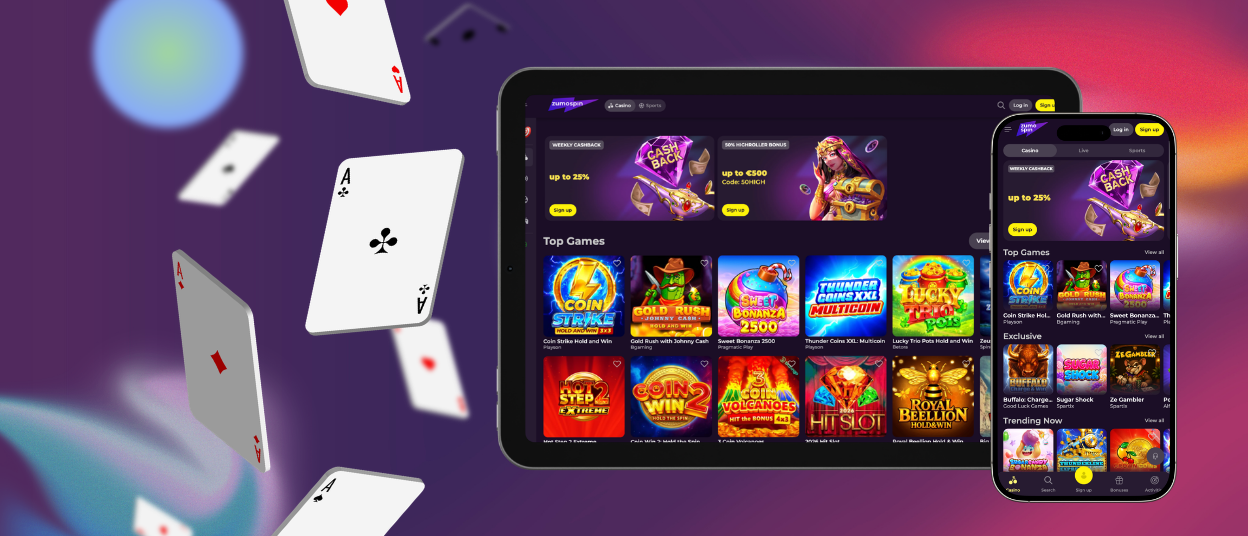
The PWA format is also practical if you regularly use Zumo Spin from a laptop or desktop computer. Compatible browsers can create a web-app entry or shortcut, giving you a faster route to the casino than opening a browser and locating the site manually.
Depending on your operating system and browser, quick access can appear:
- on the Windows desktop;
- in the Windows Start menu;
- in the macOS Dock;
- in a browser-managed application list.
Chrome and Edge provide suitable options on Windows, while Mac users can use supported shortcut or web-app functions in Safari or Chrome. The exact command may differ between browser versions.
This setup is useful if you prefer to keep frequently visited services in one visible place rather than relying on bookmarks or open tabs.
Why Use the Zumospin PWA?
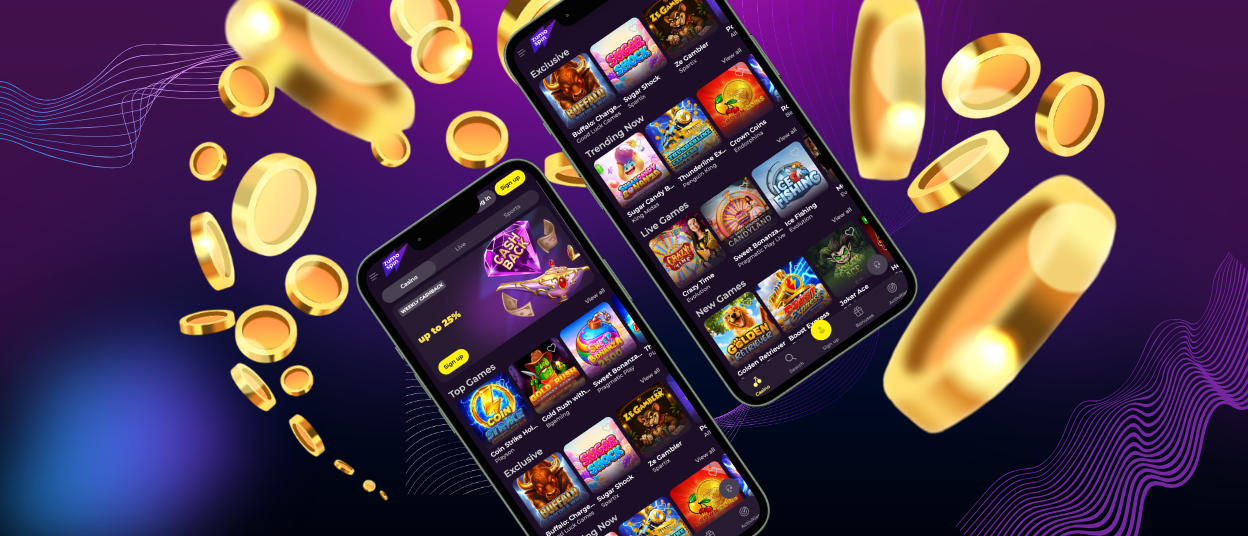
A Progressive Web App sits between a conventional website and native software. It keeps the casino web-based while adding an app-style launch experience through a dedicated icon.
For us, this approach simplifies platform delivery because one web solution can serve several operating systems. For users, it removes several steps associated with conventional application installation.
Here is how the Zumo Spin PWA compares with a traditional native app.
| Area | Zumospin PWA | Traditional Native App |
| Setup | Added directly from a supported browser | Installed as a separate application |
| Launch | Opens from its own device icon | Opens from an installed app icon |
| Device permissions | Browser controls access to device functions | Permissions depend on the installed app and operating system |
| Version management | Uses the current web version | Runs a specific installed app version |
| Removal | Remove the shortcut or web app from the device | Uninstall the application |
PWA Security and Updates
The PWA architecture limits some of the risks that come with conventional app installation. It runs inside the browser, relies on the browser’s permission system, and stays connected to the current web version.
- Browser sandboxing: Zumospin Casino stays within the browser, so it cannot access contacts, camera, local files, or other device functions unless you allow it.
- No separate app file: you do not download an installation package that someone could alter and redistribute as an official app.
- HTTPS encryption: HTTPS protects the data exchanged between your device and Zumo Spin while you use the casino.
- Automatic security updates: fixes and changes reach the PWA through the web platform, so you do not have to install a new release to move away from an outdated version.
FAQ
Can I use one account on different devices?
Your regular login works on any supported device. You can switch from your phone to a computer and continue with the same account.
Do I need an internet connection?
Yes. The app runs through the web, so it needs an active connection while you use the casino.
What happens if I remove the shortcut?
Deleting the icon removes the shortcut from that device. Your account stays unchanged.
Why can’t I find “Add to Home Screen”?
The option may appear under a different name depending on your browser or operating system. On iOS, check Safari’s Share menu. On Android, open Chrome’s main menu.


